Maximize appeal with real estate virtual staging
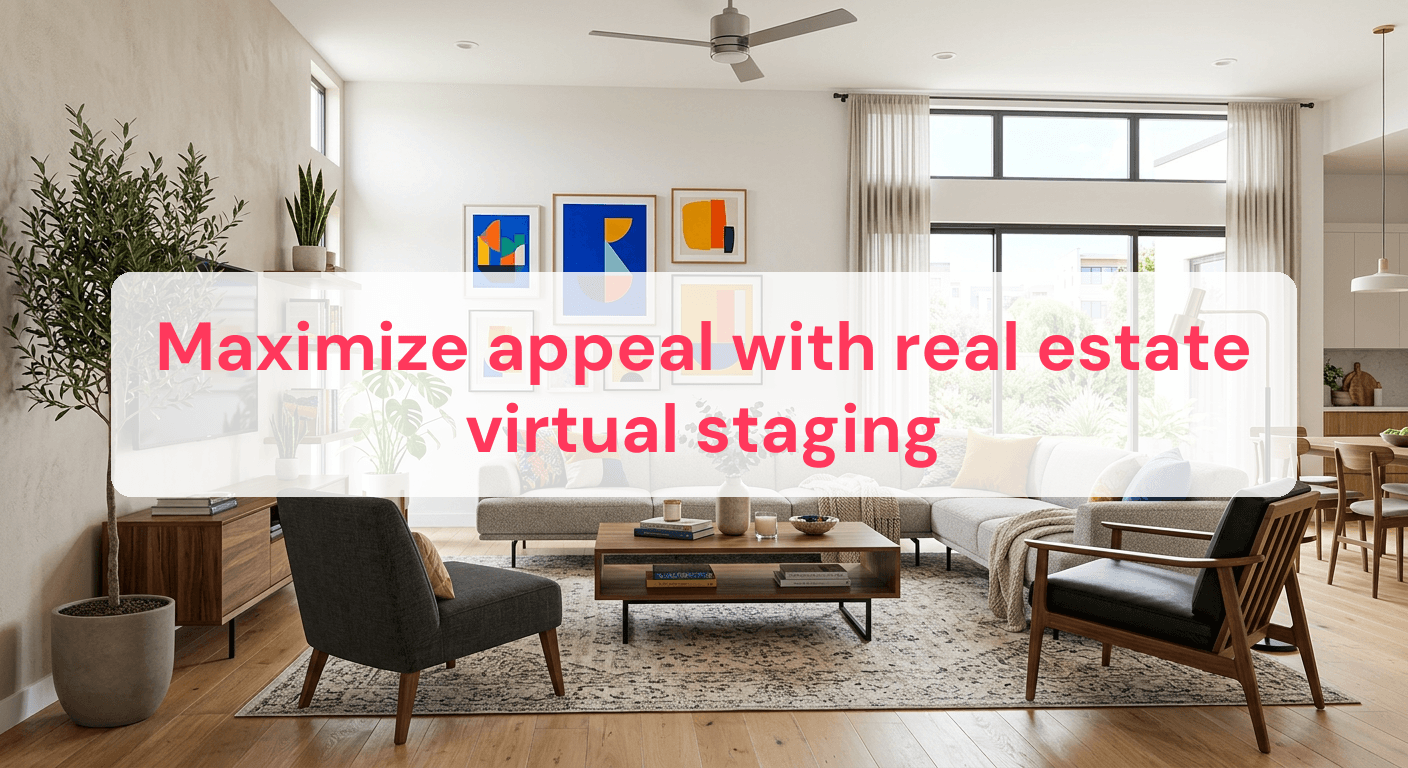
Virtual staging has transformed the real estate landscape, offering a compelling alternative to traditional home staging. Over 90% of home buyers start their search online, making high-quality photos crucial in attracting interest. Virtual staging allows potential buyers to visualize a property's full potential without the hefty price tag of physical staging. By digitally furnishing a space, sellers can highlight a home's best features and create an emotional connection with buyers. This technique not only saves time and money but also provides flexibility to tailor designs to various buyer preferences. As the real estate market becomes increasingly competitive, embracing virtual staging can give listings a significant edge. By the end of this article, you'll understand how to effectively leverage virtual staging to enhance your property listings and increase their market appeal.
What is real estate virtual staging?
Virtual staging is a revolutionary technique that allows you to digitally furnish and decorate a property using advanced software. Unlike traditional staging, which involves physically placing furniture in a space, virtual staging provides a cost-effective and flexible solution. By using real estate virtual staging software, you can transform empty rooms into inviting spaces that resonate with potential buyers or renters.
Virtual staging serves a critical purpose in real estate marketing. It helps prospective clients envision how a property can be utilized, enhancing their emotional connection to the space. For instance, you can take a photo of an unfurnished living room and, using virtual staging software, add stylish furniture, art, and decor to create a warm and inviting environment. This can significantly boost a listing's appeal, as staged homes can sell for up to 20% more than their unstaged counterparts.
How virtual staging works
The process of virtual staging involves several key steps:
-
Capture high-quality photos: Start by taking clear, well-lit images of the property. Ensure that each room is clean and free of clutter to provide a blank canvas for virtual staging.
-
Select a virtual staging software: Choose a software that offers a wide range of furniture and decor options. Look for features like ease of use and customization capabilities.
-
Add furniture and decor: Use the software to place digital furniture and decor into the photos. Aim for a style that complements the architecture of the home and appeals to your target audience.
-
Review and refine: Once the staging is complete, review the images for realism. Adjust lighting and shadows to ensure the additions look natural and convincing.
Benefits of virtual staging
Virtual staging offers numerous advantages:
- Cost efficiency: It eliminates the need for physical furniture and labor, reducing staging costs significantly.
- Time-saving: Traditional staging can take days or weeks, whereas virtual staging can be completed in hours.
- Customization: Easily tailor designs to match buyer preferences or market trends.
- Increased engagement: Listings with staged photos receive more views and inquiries, increasing the likelihood of a sale or rental.
Virtual staging is an invaluable tool for anyone in the real estate market looking to enhance property listings. By leveraging this technology, you can present properties in their best light and attract more interest from potential buyers and renters. For more insights on optimizing your photography process, explore our Real Estate Photography Workflow.
Top features of effective virtual staging software
When choosing real estate virtual staging software, focusing on key features can significantly enhance your workflow and output quality. The right software can transform your ability to present properties in an appealing manner, making it easier to attract potential renters or buyers.
User-friendly interfaces
The ease of use should be a top priority when selecting virtual staging software. User-friendly interfaces allow you to focus on creativity rather than technical challenges. Here are some features to look for:
- Drag-and-drop tools: These simplify the process of adding and arranging furniture, making it intuitive even for those with limited technical skills.
- Guided tutorials and customer support: A comprehensive help section or live support can be invaluable, especially when you're just starting.
- Multi-device compatibility: Software that works seamlessly across desktops, tablets, and even smartphones can add flexibility to your workflow.
A well-designed interface not only saves time but also reduces the learning curve, allowing you to produce high-quality results quickly.
Customization abilities
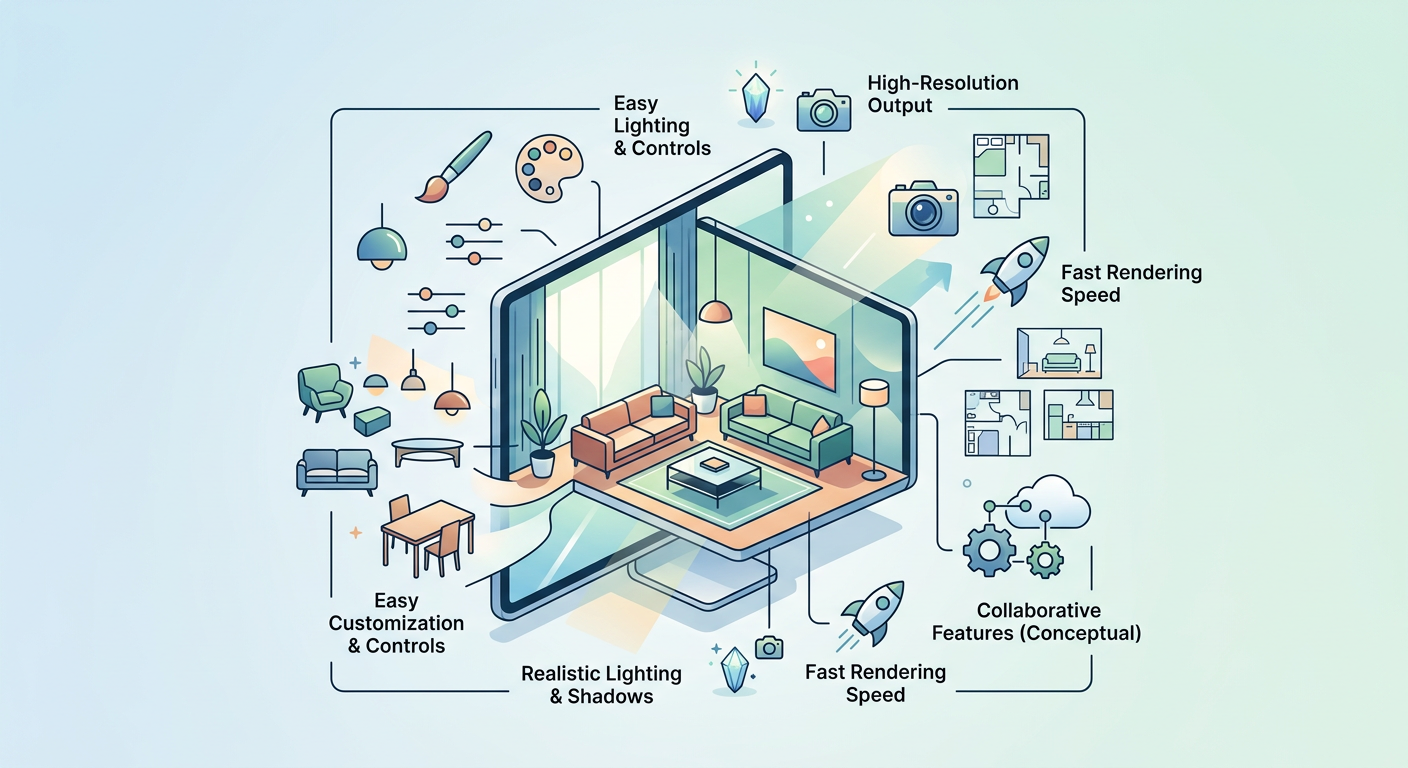
The ability to tailor your virtual staging to specific styles and preferences is crucial. Customization abilities in your software can drastically affect the final presentation of the property:
- Vast library of furniture styles: Access to a wide range of furniture and decor options ensures that you can match the staging to various architectural styles and target demographics.
- High-resolution output: Ensure that the software can produce images in high resolution, as this affects the quality of the listing photos.
- Lighting and shadow adjustments: Being able to tweak these elements helps create a more realistic and appealing environment.
For instance, a software that offers a library of over 1,000 furniture pieces allows you to experiment with different styles, enhancing the visual appeal of your listing. Customization is not just about aesthetics; it’s about creating a space that resonates with potential buyers or renters.
By focusing on these features, you can ensure that your virtual staging efforts are not only efficient but also effective in capturing interest. For more on improving your real estate imagery, explore our insights on Real Estate Image Editing Services.
How to choose the right software for your needs
Choosing the right real estate virtual staging software is crucial to maximize your investment and ensure the best results. When selecting software, it's essential to consider both your budget and your skill level. By doing so, you can find a solution that not only meets your needs but also enhances your workflow efficiency.
Assess your technical needs
Before diving into specific software options, take the time to assess your technical needs. Consider factors such as ease of use, support options, and compatibility with your existing tools:
- Ease of use: If you're new to virtual staging, look for software with a user-friendly interface to minimize the learning curve. A simple drag-and-drop functionality can save you hours in training time.
- Support options: Ensure the software provider offers robust customer support. Look for options like 24/7 chat support or comprehensive online tutorials that can assist you as you learn.
- Compatibility: Verify that the software is compatible with your existing hardware and systems. For instance, if you're using a Mac, ensure the software is optimized for macOS.
For more insights on ensuring compatibility and technical considerations, explore our detailed guide on Real Estate Photo Editing Software.
Evaluating software demos and reviews
Once you've assessed your technical needs, the next step is to evaluate potential software through demos and reviews. Follow these steps to make an informed decision:
- Request demos: Many software providers offer free trials or demos. Utilize these to test the software's features and determine if they align with your requirements.
- Read reviews: User reviews can provide valuable insights into the software's real-world performance. Pay attention to feedback on reliability, ease of use, and customer service.
- Compare features: Make a list of essential features you need, such as high-resolution output or customization options, and compare how each software measures up.
- Consider cost-effectiveness: Ensure the software's pricing aligns with your budget. Remember, the most expensive option isn't always the best for your specific needs.
By following these steps, you can confidently select a virtual staging software that complements your skills and enhances your listings' appeal.
Common pitfalls and how to avoid them
Over-staging the space
One of the most frequent mistakes in virtual staging is over-staging a space, which can make it feel cluttered and unrealistic. When you stage a property, the goal is to enhance its features, not overwhelm them.
- Keep it simple: Focus on highlighting the natural advantages of the property, such as spaciousness or unique architectural details. Avoid adding too many decorative elements that might distract potential guests.
- Proportion matters: Ensure that the virtual furniture and decor are proportionate to the room's size. Oversized furniture can make a space appear cramped, while undersized items may make it look like a dollhouse.
- Align with target audience: Think about the type of guests your property is likely to attract. For instance, if you're targeting business travelers, a clean, modern aesthetic may be more appealing than a rustic, homey feel.
Over-staging can lead to unrealistic expectations and potential disappointment, reducing the likelihood of converting views into bookings.
Ignoring lighting consistency
Lighting plays a crucial role in the realism of virtual staging. Inconsistent lighting can result in images that appear disjointed and unprofessional.
- Match virtual lighting to real lighting: Ensure that the lighting in your virtual elements aligns with the natural light sources in the room. For example, if a room has large windows, emphasize natural sunlight in the staging.
- Uniformity is key: Use consistent lighting tones across all staged elements. Mismatched lighting can make elements appear as if they don't belong together.
- Check shadows and highlights: Pay attention to how shadows and highlights fall in the room. Unnatural shadows can immediately alert viewers to a digital enhancement, detracting from the authenticity of the space.
For more insights on achieving cohesive and professional images, check out our guide on Real Estate Photo Retouching.
By avoiding these common pitfalls, you can ensure that your virtual staging efforts enhance your property's appeal and create a lasting impression on potential guests.
Real-world examples of successful virtual staging
Before and after transformations
Virtual staging has the power to transform a space's appeal, making it more attractive to potential guests. Consider a case where a modern loft in a bustling city center was virtually staged. Initially, the apartment had a sparse, unfinished look that failed to attract attention. After virtual staging, the property featured elegant furnishings and a cohesive color scheme, leading to a 50% increase in listing views within just two weeks.
Key metrics from this transformation included:
- 30% faster booking rate: The property was booked three weeks sooner than similar listings in the area.
- Enhanced online engagement: The staged images received double the number of likes and shares on social media platforms.
- Higher perceived value: Prospective guests reported a willingness to pay an average of 10% more compared to the original staging.
Integration into broader marketing strategies
Successful virtual staging doesn't end with aesthetically pleasing images. It's a strategic tool that can be integrated into a comprehensive marketing plan. For example, a beachfront villa utilized virtual staging to highlight its spacious interiors and ocean views. These staged images were used in targeted email campaigns and social media ads, reaching a broader audience of travelers seeking luxury escapes.
Consider these strategic approaches:
- Targeted social media campaigns: Use staged images to create eye-catching posts that drive higher engagement and direct traffic to your listing.
- Enhanced email marketing: Include before and after staging images in newsletters to entice previous guests to revisit or recommend your property.
- Collaborative marketing efforts: Partner with local businesses to cross-promote staged images, showing how your property complements local attractions.
For more insights on achieving cohesive and professional images, check out our guide on Real Estate Photo Editing Services.
Comparison of top virtual staging software
Choosing the right virtual staging software is crucial for maximizing the appeal of your rental property. The table below provides a practical comparison of some leading software options, focusing on key features, user ratings, and price ranges. Use this information to assess which software aligns best with your specific needs and budget.
| Software Name | Key Features | User Rating | Price Range |
|---|---|---|---|
| Stager Studio | 3D rendering, furniture library | 4.5/5 | $30-$50/month |
| Space Designer | Custom textures, floor plan integration | 4.3/5 | $25-$45/month |
| Virtual Room Maker | Drag-and-drop, high-res export | 4.2/5 | $20-$40/month |
| HomeStyler Pro | AR preview, style templates | 4.6/5 | $35-$60/month |
| DecoView | Batch processing, advanced lighting | 4.4/5 | $40-$70/month |
When interpreting this table, consider both the features that are most important for your staging goals and your budget constraints. Higher user ratings often indicate ease of use and satisfaction, but aligning software capabilities with your specific requirements will ensure the best results.
Frequently asked questions about virtual staging
Is virtual staging worth the investment?
- Virtual staging can increase a property's perceived value and reduce time on the market. According to the National Association of Realtors, staged homes sell 73% faster, which can lead to quicker bookings for rental properties.
- It allows you to showcase multiple design styles without the cost of physical furniture, saving money while enhancing visual appeal.
Can virtual staging replace traditional staging?
- While virtual staging offers flexibility and cost savings, it cannot replace the tactile experience of traditional staging. However, it provides a powerful visual tool for online listings where first impressions are crucial.
- For properties primarily marketed online, virtual staging can be more practical, but consider traditional staging for open houses when possible.
How do I ensure staged images look realistic?
- To achieve realism, ensure that the virtual furniture is proportional and consistent with the room's scale, and use high-resolution images for both the room and the added elements.
- Pay attention to lighting and shadows to match the natural light in the original photo. Tools with advanced lighting controls can help maintain a realistic look.
What are the limitations of virtual staging?
- Virtual staging may not accurately represent how a space feels in person, which can lead to potential buyer or renter disappointment.
- It requires high-quality original photos to be effective; low-resolution or poorly composed images can undermine the staging effort. For optimal results, follow a Real Estate Photography Workflow to capture the best possible images.
Virtual staging serves as a powerful tool in enhancing the appeal of your property listings, providing a cost-effective solution to showcase various design styles without the expense of physical furnishings. By understanding the key features of effective virtual staging software and being mindful of common pitfalls, you can create realistic, inviting images that capture potential renters' attention. Consider incorporating virtual staging into your marketing strategy to boost your property's visual appeal and increase the likelihood of quicker bookings.
Ready to have professional photos?
Our team transforms your existing rental photos into stunning, high-converting images that bring you more bookings. No photoshoot required. 100% refund guaranteed.
Improve My Photos →