Optimize rental photos for more bookings
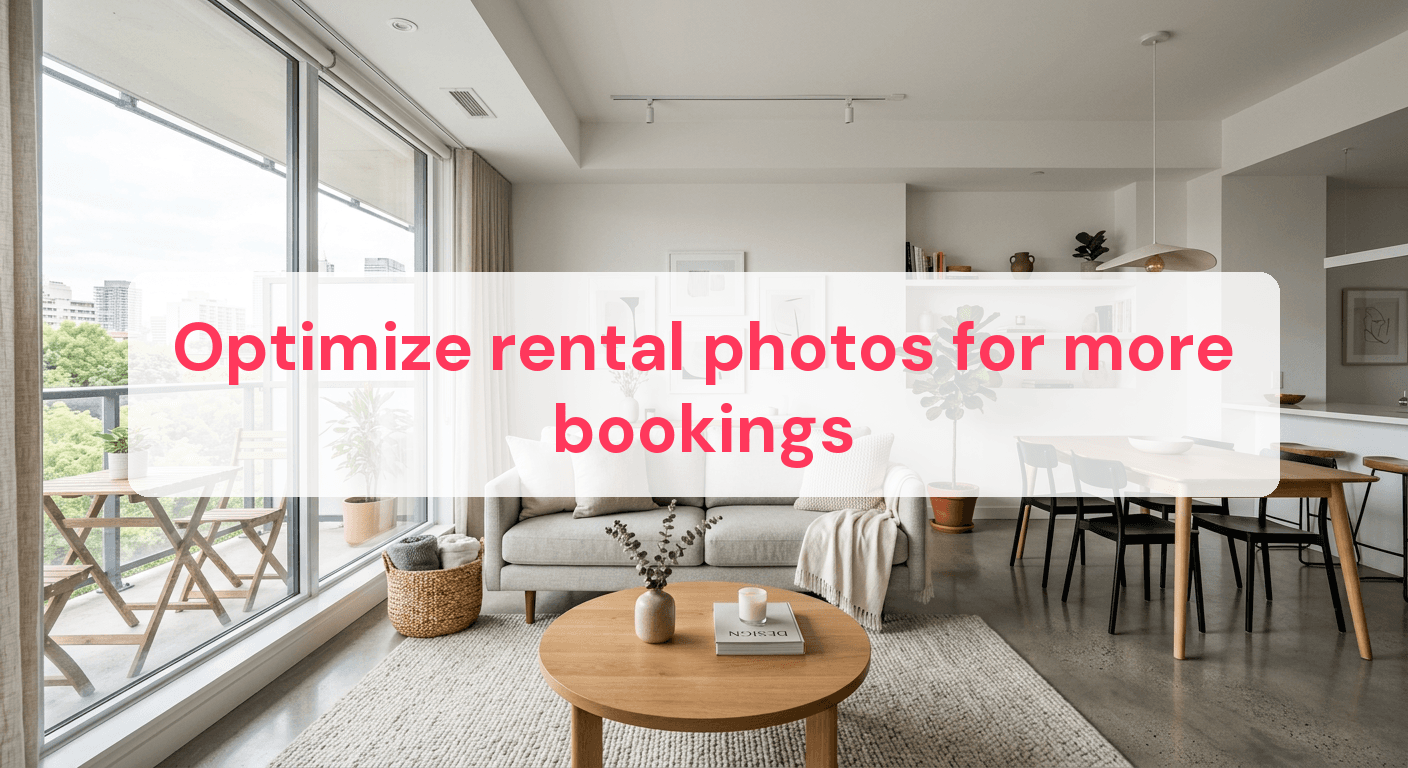
Listings with professional photos get 40% more bookings compared to those with amateur shots. In the crowded rental market, a single image can sway a potential guest's decision. High-quality photos aren't just about looks; they're a strategic way to boost visibility and draw in more guests. Polished images make your property stand out, creating a memorable and inviting impression. This guide covers essential techniques like optimal lighting, expert staging, and effective editing to ensure your rental photos capture your property's true essence and turn views into bookings.
Get the lighting right before you shoot
Lighting is everything when creating compelling rental photos. Even the most stunning property can look lackluster without the right lighting. Natural light is your ally—it's free, flattering, and can transform a room from dull to vibrant.
Make the Most of the Golden Hour
The golden hour, shortly after sunrise or before sunset, offers a soft, warm light that can make your photos look magical. This natural lighting is gentle and highlights textures and colors beautifully, enhancing your rental's perceived value.
If you can't shoot during the golden hour, aim for a bright yet overcast day. Cloud cover acts as a natural diffuser, providing even lighting without the harsh shadows of midday sun.
Avoiding Common Lighting Mistakes
Even with the best intentions, lighting mistakes happen. Here's how to avoid them:
-
Avoid harsh midday light: The sun at its peak creates unflattering shadows and bright highlights. If you must shoot then, use sheer curtains to diffuse the light.
-
Use multiple light sources: If natural light is lacking, supplement with artificial lighting. Ensure the color temperature matches the natural light to avoid jarring effects.
-
Mind your angles: Position yourself so the light source is behind you but not in the shot. This fills the room with light and highlights its features.
-
Check for reflections: Mirrors and glass can reflect sunlight, creating glare. Adjust the angle or slightly close the curtains to control this.
For more insights on enhancing your rental photos, check out our Airbnb Photography Equipment Essentials guide for tools to make the most of available light.
By focusing on these details, you can ensure your rental shines in its best light. Remember, well-lit photos are more inviting and can significantly boost your bookings.
Stage your rental like a pro
Creating an inviting atmosphere is crucial for capturing potential guests' attention. Effective staging can transform your rental from a generic space into a warm, welcoming environment. This doesn't have to be overwhelming. With a few strategic steps, you can set the stage for photos that convert.
What to remove before photographing
Before snapping photos, declutter your space. Removing unnecessary items makes your rental look more spacious and appealing. Focus on:
- Personal items: Family photos and personal knick-knacks can make guests feel like intruders rather than imagining themselves in the space.
- Excess furniture: Too many pieces crowd a room. Aim for a balance that allows movement and highlights the room's size.
- Visible cords and electronics: Hide cables and minimize electronics to keep the focus on the room itself.
Clearing these distractions creates a blank canvas for potential guests to envision their stay.
Easy staging techniques
After decluttering, add touches that invite and inspire. Consider these simple staging techniques:
- Use neutral colors: Neutral tones create a calming backdrop that appeals to a broad audience and complements any style.
- Add fresh flowers or plants: A bouquet or greenery brings life to your photos, adding color and freshness.
- Incorporate artwork: Art adds personality and charm. Choose pieces that are tasteful and harmonize with the room's color palette.
The goal is to create a space that feels stylish and comfortable. For more tips, explore our Photography Tips Rental Properties for additional insights. Thoughtful staging increases interest and bookings.

Capture wide, inviting angles
Wide-angle shots can transform how your rental is perceived, making spaces appear larger and more inviting. But there's a fine line between enhancing a room's allure and distorting its features. Mastering this balance is key to attracting potential guests.
Techniques for achieving the best angles
You don't need a professional studio for effective wide-angle photography—just a few techniques. Here are steps to showcase your property in the best light:
-
Position yourself strategically: Stand at the room's corner to capture as much area as possible. This highlights depth and provides a comprehensive view.
-
Use a tripod: A tripod ensures stability, crucial for sharp images. It also lets you experiment with different heights and angles without compromising quality.
-
Mind the verticals: Keep vertical lines straight to avoid skewing the room's proportions. Adjust the camera's tilt or use editing software to correct perspective issues.
-
Include foreground elements: Adding elements like a stylish coffee table or cozy armchair enhances depth and provides context.
Avoiding lens distortion
Wide-angle lenses can introduce distortion, making straight lines appear curved. This can distract from the room's natural beauty and mislead guests. To minimize distortion:
- Opt for a lens with minimal distortion: Not all wide-angle lenses are equal. Research options known for maintaining straight lines.
- Keep the camera level: Tilting the camera increases distortion risk. Keep it level with the horizon.
- Edit wisely: Use software to correct distortion. Many programs have built-in tools for adjusting wide-angle shots.
For further guidance, explore our Vrbo Photography Essentials. By implementing these techniques, your photos will be expansive and true-to-life, drawing in more views and bookings.
Edit photos for a polished look
Editing transforms ordinary shots into captivating visuals that grab attention. You're not just fixing flaws—you're enhancing your rental's overall feel. The goal is to create inviting, realistic images that maintain your space's integrity while showcasing it at its best.
Basic editing steps
-
Adjust brightness: A well-lit photo attracts more views. If your images are too dark, increase brightness, but don't wash out colors. A slight bump can make a dim room look warm and welcoming.
-
Balance contrast: Proper contrast highlights textures and details. Enhance shadows and highlights to add depth and dimension, making features like wood grain or fabric textures pop.
-
Enhance saturation: Boosting saturation can make colors more vivid, but don't overdo it. Aim for natural vibrancy—ensure the green in your garden looks lush, not neon.
-
Correct perspective: Straighten crooked lines, especially in wide-angle shots, to ensure the space looks proportional. Perspective correction tools help maintain structural integrity.
Editing software essentials
Different software offers varied features, and choosing the right one makes a significant difference. Here are some essentials:
-
Intuitive interface: Look for user-friendly software. You don't want to spend hours learning a new program.
-
Batch editing capability: If you have multiple photos, batch editing saves time by applying the same adjustments to all images.
-
Advanced tools: Features like noise reduction, sharpening, and lens correction elevate images from good to great.
-
Mobile compatibility: Sometimes, editing on the go is necessary. Ensure the software has a mobile version that doesn’t compromise features.
For a deeper dive, check our Airbnb Photo Tips Maximize Bookings. Editing is more than a final touch—it's crucial for creating photos that convert views into bookings.
Highlight key features of the property
Highlighting your rental's unique features can significantly boost its appeal. Showcasing special amenities, breathtaking views, and distinctive decor makes your listing stand out.
Capturing the property's unique charm
Every property has something unique. Highlighting these aspects can be the difference between a viewer scrolling past or clicking 'book'. Use these strategies:
-
Feature the view: If your property offers a stunning view, capture it at the best time of day. A sunset over mountains or a city skyline at night can evoke emotions that translate into bookings.
-
Showcase special amenities: Does your property have a hot tub, vintage fireplace, or state-of-the-art kitchen? Highlight these by photographing them in use or styled to perfection. A cozy fire or gourmet meal setup can be inviting.
-
Focus on decor details: Unique decor elements like an antique mirror, handwoven rug, or custom artwork add personality. Capture these details to tell a story about your property's character.
Highlighting amenities and special features
When photographing, consider these features:
-
Outdoor spaces: Patios, gardens, and balconies can be huge selling points, especially if well-maintained and offering privacy or views.
-
Technology and entertainment: High-speed Wi-Fi, smart TVs, or a well-stocked game room can sway tech-savvy travelers.
-
Local flavor: Decor or amenities reflecting local culture or history can attract guests seeking an authentic experience.
By focusing on these elements, you create a compelling listing that attracts potential guests. For more insights, explore our Vacation Rental Photography Tips. Thoughtful details can make your property stand out and increase booking rates.
When selecting photo editing software, consider features, ease of use, and pricing. Whether you're a beginner or experienced editor, the right software impacts photo quality, making them more appealing to guests. Below is a comparison of popular options to help you choose the best fit.
| Software Option | Key Features | Ease of Use | Pricing (per month) |
|---|---|---|---|
| Software A | Basic editing tools, filters, presets | Very User-Friendly | $9.99 |
| Software B | Advanced retouching, batch editing | Moderate | $19.99 |
| Software C | AI enhancements, cloud storage | Easy | $14.99 |
| Software D | Full RAW support, customizable tools | Complex | $29.99 |
Choosing the right software can streamline your editing process and enhance your rental photos, ultimately attracting more bookings.
Common Questions
Do I really need a wide-angle lens?
A wide-angle lens can be a game-changer for capturing a room's full scope, making spaces appear larger and more inviting. While not strictly necessary, a lens with a focal length of 16-24mm can significantly enhance room shots. If buying isn't feasible, consider renting one or adjusting your smartphone's settings to a wider perspective, if possible.
Can smartphone photos be good enough?
Absolutely, smartphone cameras have advanced to produce high-quality images suitable for rental listings. Ensure your phone's camera settings are optimized for high resolution, and use built-in HDR features to balance lighting. Editing apps can further polish your photos, bringing them closer in quality to those taken with professional cameras.
How often should I update my listing photos?
Update your listing photos at least once a year or whenever significant changes are made to the property. Seasonal updates can also be beneficial, showcasing your rental's unique appeal in different weather or festive settings. Regular updates ensure your listing reflects the property's current state, maintaining transparency and trust with potential guests.
Enhancing your rental photos is a straightforward path to attracting more bookings. Prioritize natural lighting to capture bright, inviting spaces, and stage your property thoughtfully to highlight its potential as a welcoming retreat. Finally, meticulously edit your images to present a polished, professional appearance. By applying these strategies, you can transform your property photos into powerful tools for drawing in guests.
Ready to have professional photos?
Our team transforms your existing rental photos into stunning, high-converting images that bring you more bookings. No photoshoot required. 100% refund guaranteed.
Improve My Photos →