Edit Airbnb photos for stunning bookings
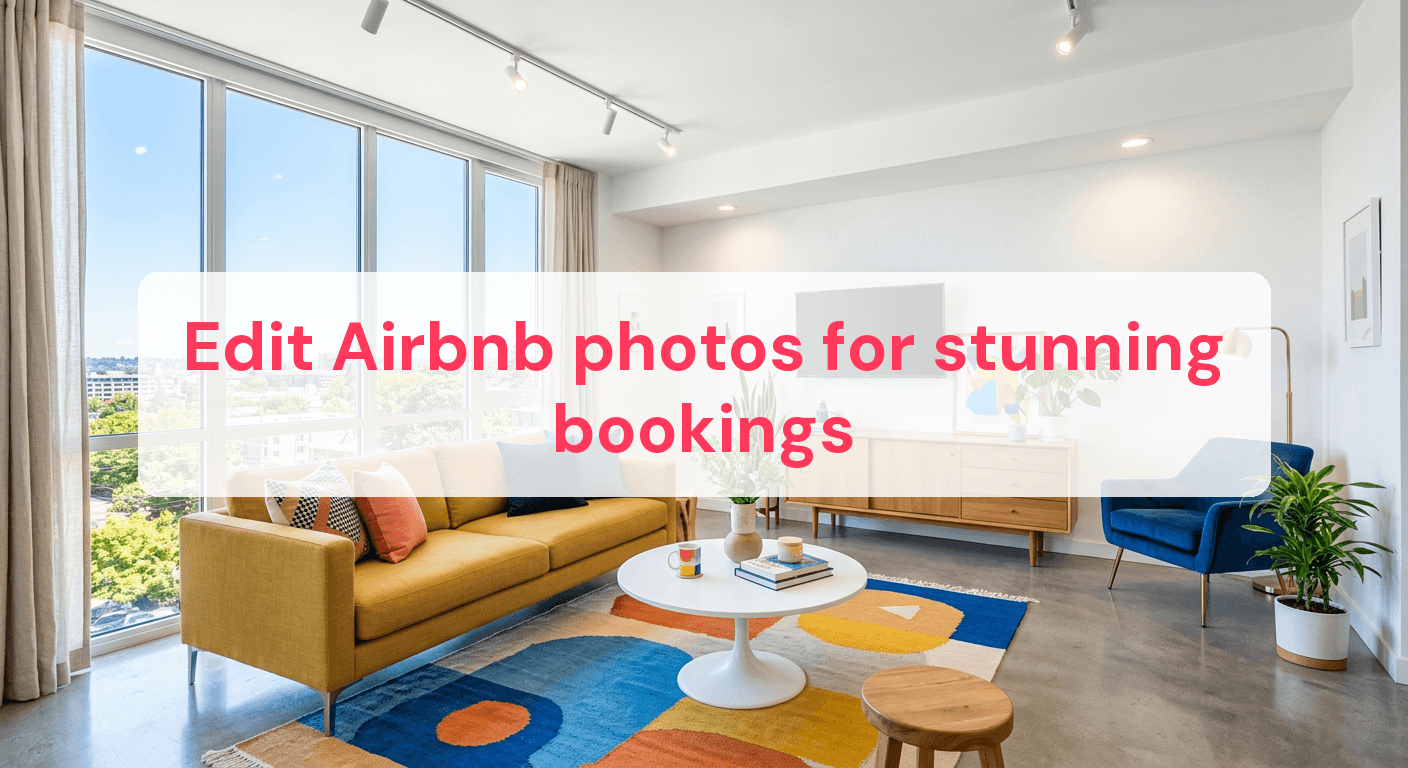
Every second, about 2 million Airbnb bookings happen worldwide, yet many listings get ignored because of poor photos. Even with a great property, hosts often fail to showcase its true potential through images. High-quality, well-edited photos can boost booking rates and help your listing stand out in a crowded market. However, many hosts are clueless about where to start with photo editing. This guide will show you how to enhance your Airbnb photos to attract more guests and turn views into bookings.
Improve clarity and brightness for inviting spaces
Enhancing clarity and brightness in your photos can change how potential guests see your property. A well-lit, sharp image can make even a modest space feel welcoming and spacious. But it's more than just cranking up the brightness. Here's how to refine your photos for maximum impact.
Avoid overexposure for a natural look
Overexposure can wash out details, leaving photos flat and unnatural. To keep things realistic and inviting, follow these steps:
-
Adjust exposure: Increase exposure slightly to brighten your image, but don't overdo it. Aim for balanced lighting that highlights the room’s features without losing detail.
-
Enhance contrast: Boost contrast to define boundaries between light and dark areas, adding depth. This is crucial for highlighting textures and making features like intricate woodwork or plush fabrics stand out.
-
Fine-tune brightness: After setting exposure and contrast, adjust brightness to ensure every corner is visible. A well-lit space invites viewers to imagine themselves there, increasing booking chances.
Use natural light to your advantage
Natural light is your best ally for clarity and brightness. Here's how to make the most of it:
-
Photograph during golden hours: Early morning or late afternoon light is softer and more diffused, reducing harsh shadows and highlighting natural colors.
-
Open curtains and blinds: Let in as much natural light as possible. This not only brightens the space but also enhances the mood, making the room feel lively and welcoming.
For more tools to achieve these effects, consider exploring different real estate photo editing software that can simplify the process and give you more control over image quality.
Fix harsh shadows without extra gear
Harsh shadows can skew the perception of a room, making it seem smaller or less inviting. Potential guests should feel like they're stepping into a bright, open space. Shadows can obscure beautiful details and create an unwelcoming mood. Luckily, you can soften these shadows without extra equipment using simple editing techniques.
Lighten shadows for balanced lighting
Start by lightening shadows to achieve a balanced look. Here's how:
-
Adjust shadow levels: Most photo editing software has a shadow adjustment tool. Increasing shadow levels can brighten darker areas, making the room look more even and inviting. Start with a 10-20% increase and adjust as needed.
-
Use the dodge tool: This tool lets you selectively lighten specific areas. Apply it to the darkest parts to enhance visibility without affecting the entire photo. Use it sparingly to maintain natural lighting.
Balancing light and dark areas
Balancing light and dark areas ensures that the room's features are highlighted without overwhelming the viewer. Try these techniques:
-
Check the histogram: The histogram in your editing software shows light distribution. A well-balanced photo will have an even spread. Adjust exposure and contrast until you achieve this balance.
-
Enhance midtones: Slightly boosting midtones can add depth, making photos appear more dynamic. This is particularly effective in rooms with varied textures or patterns.
By focusing on these techniques, you can transform a photo from dull and shadowy to vibrant and welcoming, significantly enhancing your Airbnb listing's appeal. For more photography basics, check out Airbnb Photography Tips Enhance Your Listings And Boost Bookings.

Highlight key features to attract guests
Emphasizing unique features of your Airbnb can make a big difference in attracting guests. Whether it's a charming fireplace, a breathtaking scenic view, or a meticulously designed kitchen, showcasing these elements effectively is key. Here's how to spotlight what makes your space special.
Use cropping to focus attention
Cropping is a powerful tool that can direct the eye to the most compelling aspects of your property. By eliminating distractions, you ensure the viewer's attention is drawn to the feature you want to highlight.
- Fireplace: Crop to center the fireplace, ensuring it's the focal point. Remove unnecessary elements like furniture that might clutter the scene.
- Scenic view: If your property offers stunning views, make sure these are the star of the photo. Crop out unappealing rooftops or parking lots, and focus on the natural beauty outside.
- Kitchen: Showcase sleek design or modern appliances by cropping tightly on these features, cutting out mundane elements.
Selective focus for feature emphasis
Selective focus allows you to blur less important areas, enhancing the prominence of key features. This technique is particularly effective for highlighting intricate details.
- Use a narrow depth of field: Simulate this effect by softening the background around features like a colorful backsplash or ornate light fixture.
- Enhance textures: Highlight textures that add character, like the grain of a wooden countertop or intricate patterns on vintage tiles.
By strategically using cropping and selective focus, you can ensure your property’s most appealing aspects stand out, making it more likely to captivate potential guests. For more tips on enhancing your photos, explore Photo Editing Basics Rental Success.
Enhance colors to create mood
Enhancing colors can dramatically change the mood of your Airbnb listing, making it more appealing. The right color adjustments can evoke feelings of warmth, relaxation, or excitement. Here are some techniques to fine-tune colors effectively.
Avoid oversaturation for a realistic feel
Cranking up saturation might make photos pop, but overdoing it can make them look unrealistic. Guests expect the colors they see online to match what they experience in person. To keep a realistic feel, follow these steps:
- Start with small adjustments: Increase saturation gradually, starting with increments of 5-10%. This lets you see effects without going overboard.
- Focus on specific hues: If your room has a lot of greenery, enhance greens slightly to make them lively, but be cautious with other colors to maintain balance.
- Check skin tones: If there are people in your images, ensure their skin tones remain natural. Over-saturated colors can make skin look unnatural.
Adjust color balance for mood
Color balance sets the overall mood, whether warm and inviting or cool and calming. It involves tweaking the balance between tones like reds, blues, and yellows.
- Warm tones for cozy spaces: Use warmer tones to highlight cozy areas, like a living room or bedroom. Adjust warmth by slightly increasing reds and yellows.
- Cool tones for modern designs: For modern spaces, a cooler color balance can emphasize sleek designs. Increase blues and decrease reds for a crisp look.
- Neutral balance for versatile appeal: A neutral balance is often best for versatile spaces like kitchens or bathrooms, where you want the design to speak for itself.
For more detailed techniques, explore Photo Editing Basics Rental Success for comprehensive guidance.
Align verticals for professional appeal
Achieving a professional look in your Airbnb photos often hinges on straight vertical lines. Skewed or tilted lines can distract viewers and look amateurish. Ensuring that walls, doorframes, and windows appear straight can significantly enhance overall quality and professionalism.
Correct lens distortions
Lens distortion is common, especially with wide-angle lenses. It can cause vertical lines to bow or tilt. Correcting these distortions is crucial for a polished appearance.
-
Identify distortion types: Barrel distortion causes lines to bow outward, while pincushion distortion makes them bend inward. Knowing which distortion you're dealing with is the first step.
-
Use photo editing software: Most advanced software offers tools to correct lens distortion. Look for features like "lens correction" or "geometry correction."
-
Manual adjustments: If automatic corrections aren't perfect, manually adjust vertical and horizontal perspective to align lines. This often involves tweaking sliders for vertical and horizontal skew.
-
Check the grid: Use a grid overlay to ensure verticals are perfectly aligned. This visual aid helps maintain accuracy throughout the adjustment process.
For more insights and detailed techniques, explore Real Estate Photo Retouching for additional guidance.
Maintain consistency across your images
Consistency in your photo album enhances professionalism and ensures viewers have a cohesive visual experience. Here’s how to maintain it:
-
Uniform vertical alignment: Apply the same level of vertical correction across all photos. This consistency helps create a seamless flow from one image to the next.
-
Regular calibration: If using a DSLR, regularly calibrate your lens to minimize distortion from the start. This proactive step can save valuable editing time later.
-
Double-check before saving: Before finalizing edits, review each photo to confirm all verticals align as intended.
By focusing on these details, your Airbnb listing will exude professionalism, captivating potential guests and boosting booking success.
Comparison of editing tools and techniques
Choosing the right photo editing software can significantly impact your Airbnb photos' quality. Different tools offer various features, ease of use, and pricing models, so it's essential to select one that aligns with your needs and skill level. Here's a comparison of popular photo editing software to help you decide.
| Software | Ease of Use | Cost per Month | Advanced Tools |
|---|---|---|---|
| Adobe Lightroom | Moderate | $9.99 | Excellent color grading |
| GIMP | Complex | Free | Extensive customization |
| Capture One | Challenging | $20 | Superior raw processing |
| Affinity Photo | Moderate | $24.21 one-time | Wide format support |
| Darktable | Complex | Free | Pro-level features |
This table provides a snapshot of each software's user experience, cost, and available advanced tools, helping you match your editing needs with the right application.
Common questions about editing Airbnb photos
Do I need a wide-angle lens?
A wide-angle lens can be useful for capturing more of a space in one shot, making rooms appear larger and more inviting. It's especially helpful for small spaces where traditional lenses might not capture the full room. However, it's not mandatory if your smartphone or standard camera lens provides a wide enough view. Wide-angle lenses can cause distortion, so it's essential to know how to correct this in post-processing.
Can smartphone photos be enhanced effectively?
Yes, smartphone photos can be effectively enhanced with the right editing techniques. Modern smartphones have advanced camera capabilities, often rivaling basic digital cameras. By adjusting brightness, contrast, and color saturation, you can significantly improve image quality. Many free and paid apps offer robust editing features to make your smartphone photos shine.
How often should I update my listing photos?
Updating your listing photos every six to twelve months is advisable, especially if you've made significant property changes. Seasonal updates can also be beneficial, showcasing your property in different conditions, like a lush garden in summer or a cozy fireplace in winter. Regular updates keep your listing fresh and engaging for potential guests.
What are the best times to take listing photos?
The best time to take listing photos is during the golden hour — shortly after sunrise or before sunset — when natural light is soft and warm. This minimizes harsh shadows and creates a welcoming atmosphere. If shooting indoors, aim for when natural light fills the room, usually mid-morning or early afternoon, to ensure even lighting without additional equipment.
Improving the clarity, brightness, and colors of your Airbnb photos can significantly enhance their appeal, making your spaces look more inviting and engaging. By correcting shadows and aligning verticals, you ensure your images maintain a professional appearance, which can increase your chances of securing bookings. Highlighting your property's unique features can set your listing apart, attracting more potential guests. Implementing these editing techniques can lead to a noticeable improvement in your listing's visual impact and success.
Ready to have professional photos?
Our team transforms your existing rental photos into stunning, high-converting images that bring you more bookings. No photoshoot required. 100% refund guaranteed.
Improve My Photos →